Install the APK on your Android TV, open Bambi Trainer TV, then pair it from the Bambi Trainer app with the code shown on the TV.
Home screen
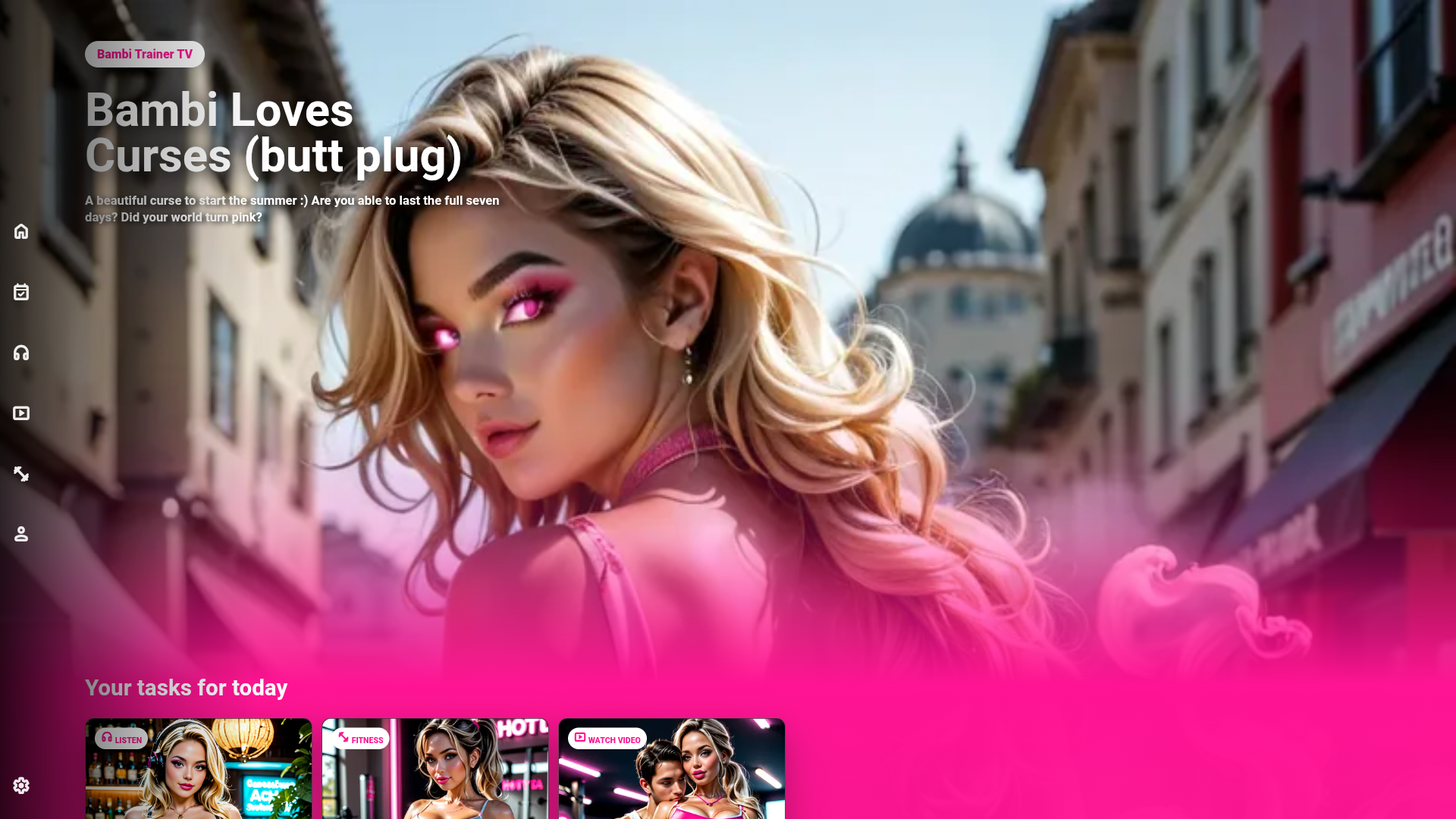
Your training starts from the TV dashboard
Turn your screen into a private training space with a dashboard that feels direct, visual and easy to follow from the couch.
Start instantlyOpen the TV app and see the session waiting for you, with bold artwork and a clear prompt to set the mood.
Stay in the routineYour daily audio, video and fitness tasks are presented together, so training feels like one connected experience.
Made for the TVLarge visuals, focused controls and simple movement make the experience feel natural on an Android TV remote.
1. DownloadUse the button above to download the latest versioned APK from the Bambi Trainer TV release manifest.
2. InstallOpen the APK on your Android TV and allow installation from the browser or file manager when Android asks.
3. PairLaunch Bambi Trainer TV and enter the TV code in the Bambi Trainer app to connect your profile.
Install guide
How to install Bambi Trainer TV
Bambi Trainer TV is live as an Android TV APK. Because Bambi Trainer is adult content, Google Play listing is not an option, so the TV app is installed directly from your TV browser.
I tested this on Sony Android TVs. Other Android TV brands may show slightly different install screens, but the flow is the same.
1
Open the TV page on your TV
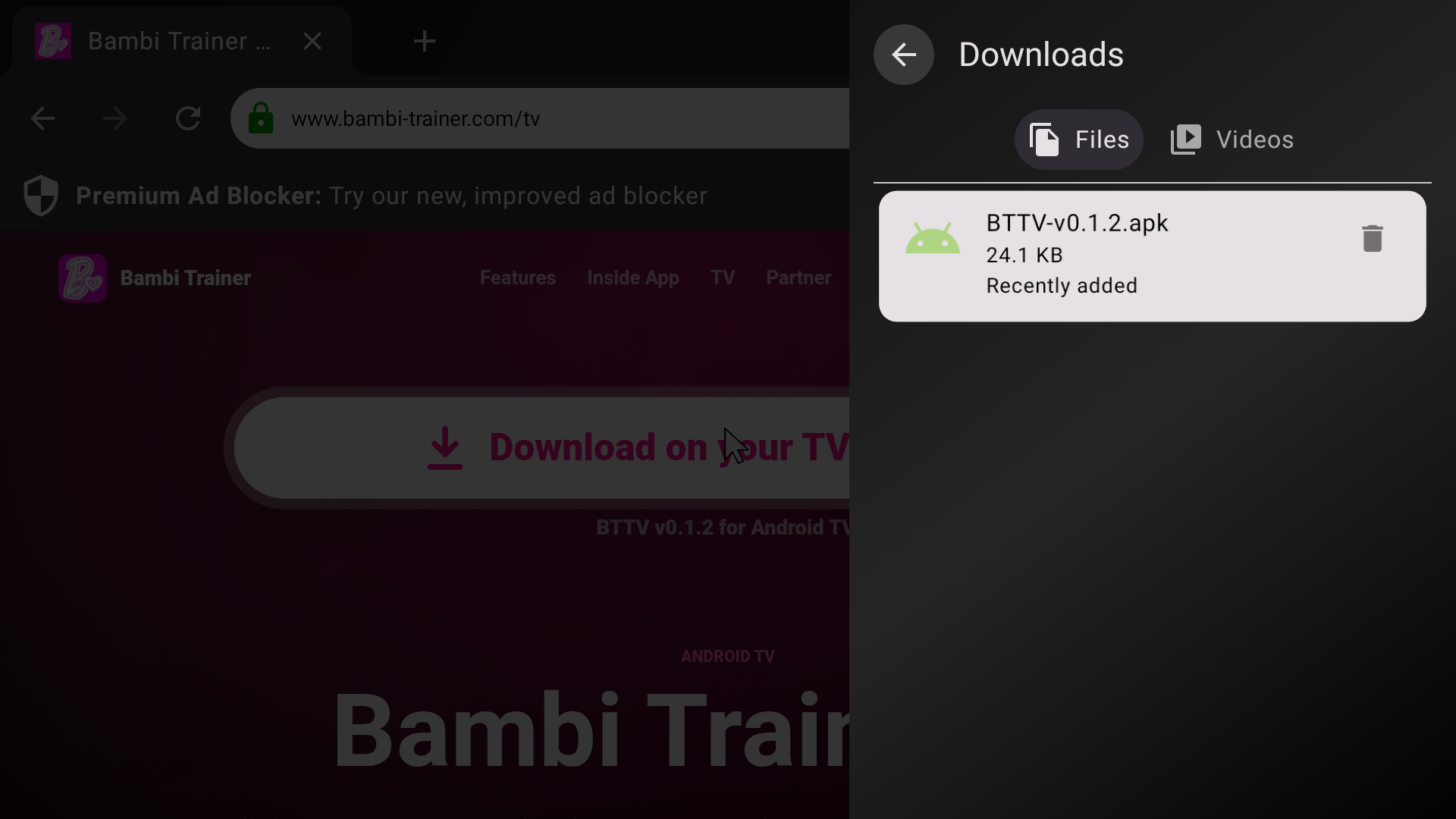
On your Android TV, open a browser and go to tv.bambi-trainer.com. If your TV browser blocks APK downloads, use the free version of Zeus Internet Browser.
Click the big download button. Your browser may ask permission to download files.
2
Install and open BTTV
After the APK downloads, open it from the browser downloads panel and follow the Android install prompts. The TV launcher will show a simple black and white app icon named BTTV.
3
Pair your TV with your Bambi Trainer app
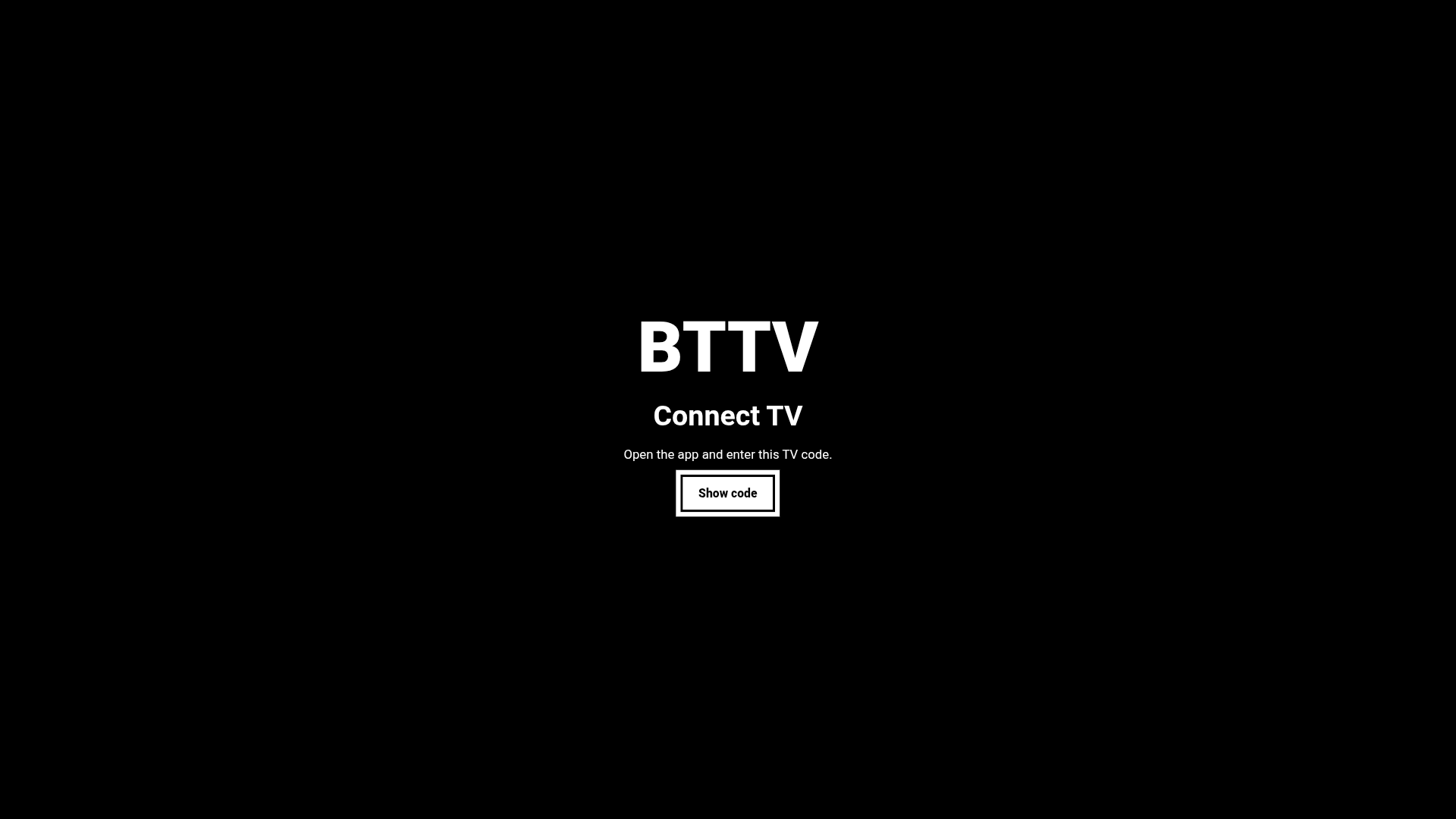
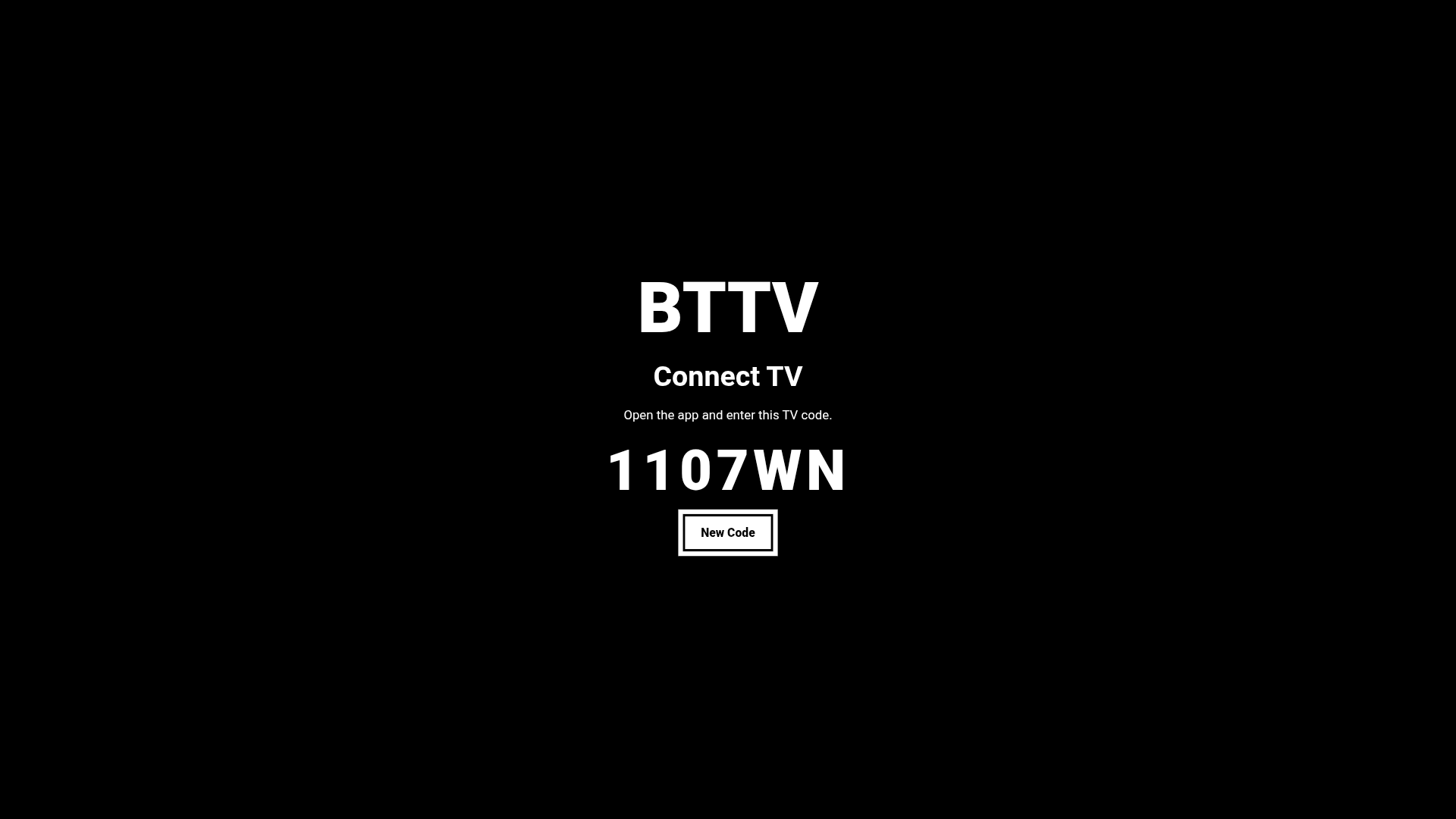
Open BTTV and select Show code. Then open Bambi Trainer on your phone, go to the You section, find Connect TV, and enter the code shown on the TV.
4
Use TV settings when the screen is shared
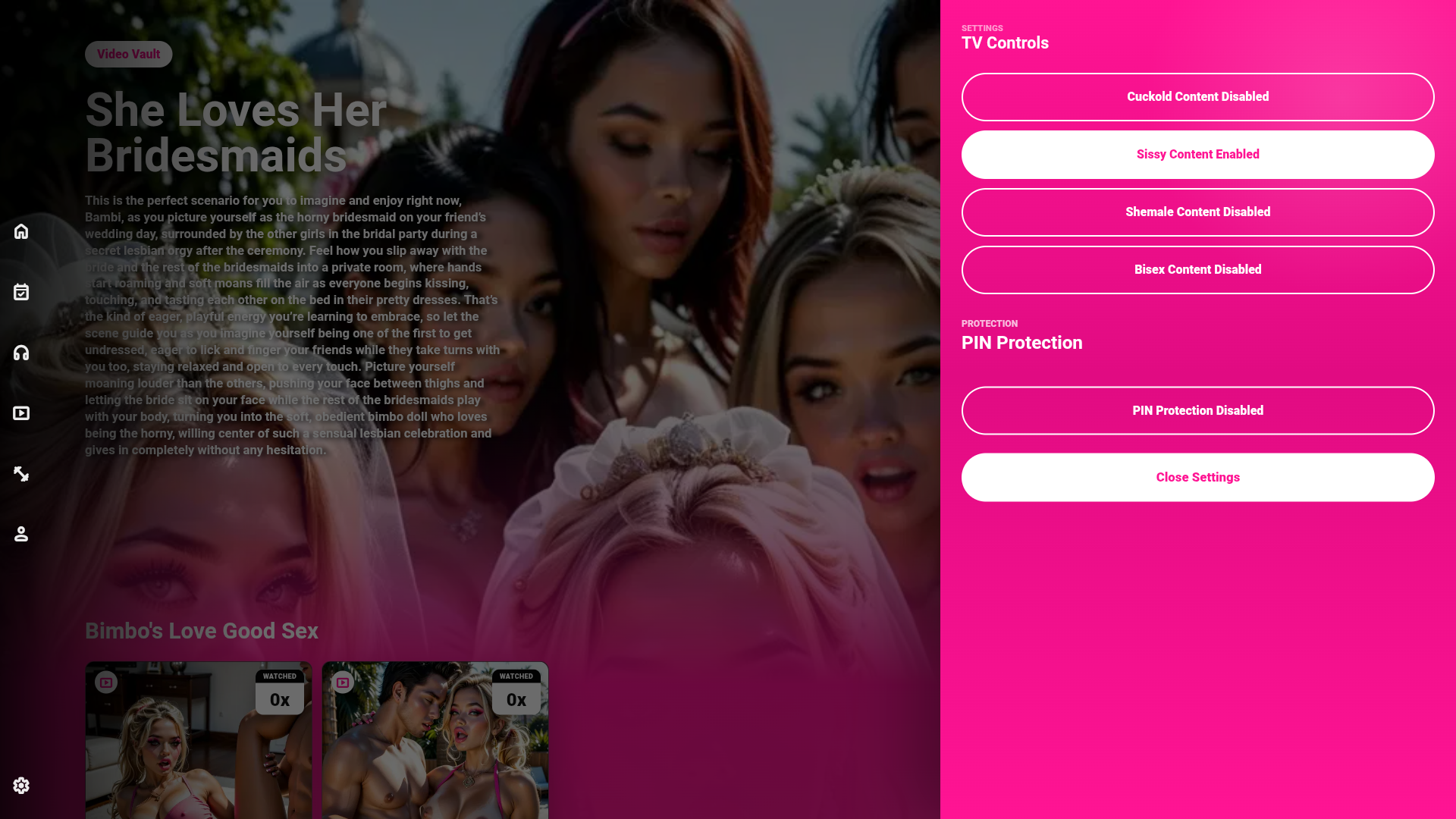
If other people use the same TV, open the settings menu inside BTTV and activate PIN protection. The TV app can then be locked and unlocked with your PIN.
Private media vault
Your uploaded media, on the big screen
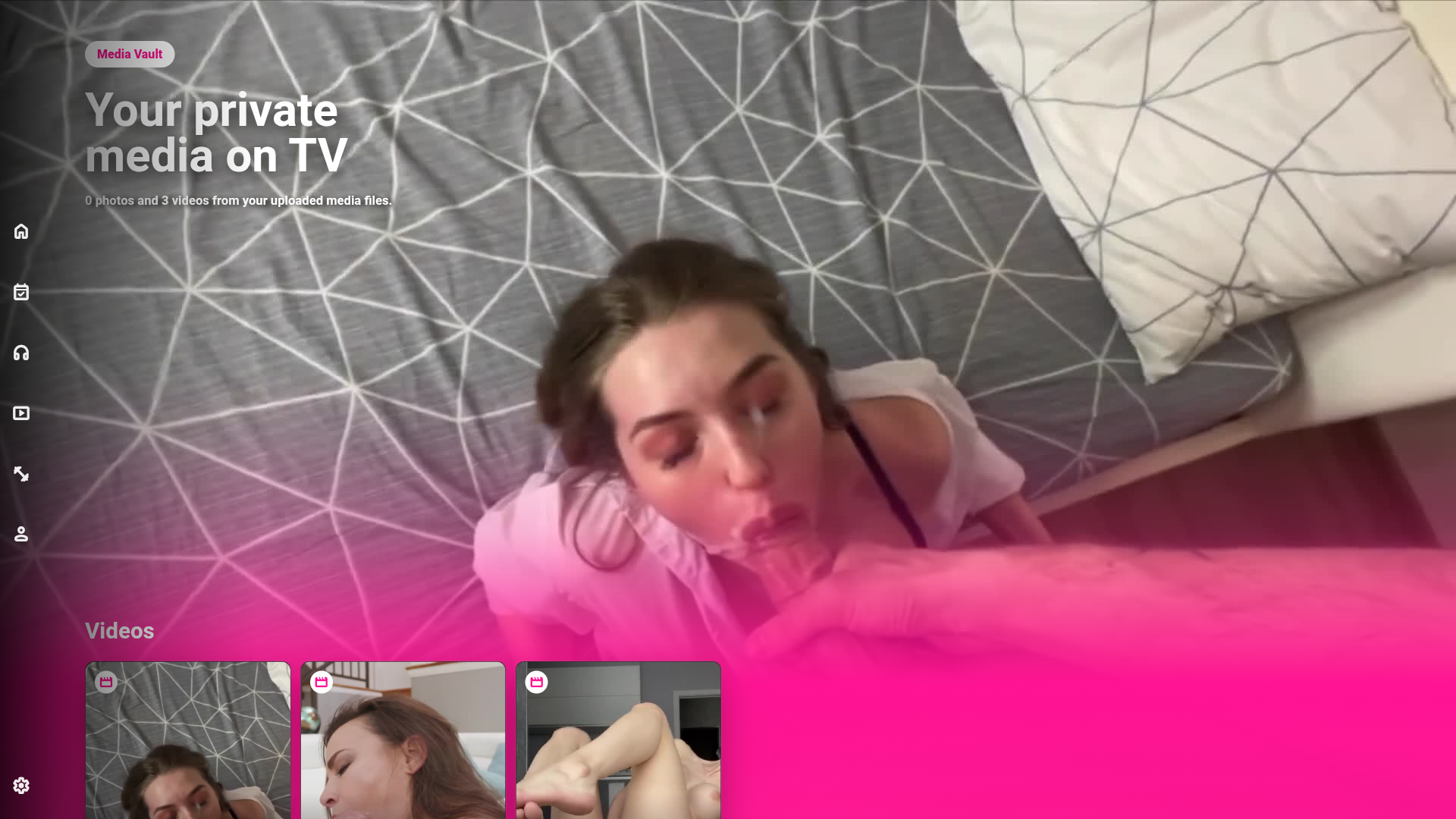
Bambi can upload any personal video from the app or from a laptop, and those files are stored in her own private cloud vault. Once uploaded, they become available inside Bambi Trainer TV so the same private media can be enjoyed from the couch, up to 4K when the uploaded source supports it.
Private cloud storageYour uploaded videos are saved to your own media vault, not mixed into the public TV library.
Upload any videoUpload any personal video from the Bambi Trainer app or desktop, then open it from your private media vault on Android TV.
Up to 4K playbackEnjoy any private upload on the big screen in the best quality available from the original file, up to 4K.
What is inside
Your Bambi training, on your terms
Bambi Trainer TV brings your chosen route to the big screen: the audio sessions, fitness tasks, video training, private uploads and content settings that match how you want Bambi to train. It is still your choice, your pace and your profile, only now designed for the couch and the TV remote.
Sessions completed on TV connect back to your Bambi Trainer profile with Good Girl Points and progress tracking. The app uses distributed content delivery, so first loads can improve as media is cached across the network.

.webp)